root
Resources
Showcase
Articles
CSS+Javascript
Hacks
Tutorials
Audioblogs
Photoblogs
Restaurant
Free Templates
Bootstrap
Forms
Design Tools
Menu
Fonts
Icons
Charts
Gallery
Upload
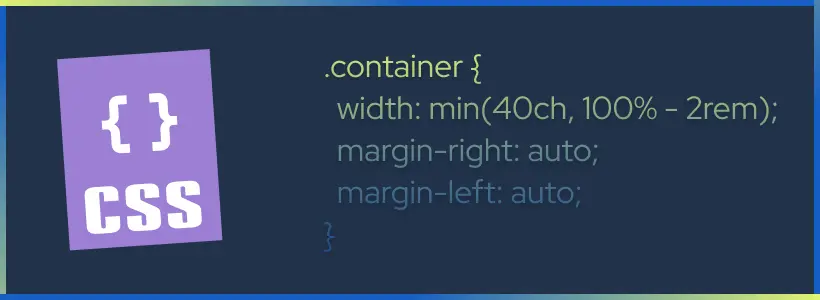
How to Use CSS Math Functions
The CSS logical functions calc(), clamp(), min() and max() are supported by all modern web browsers. But, despite being readily available – a simple GitHub search tells us that adoption for these functions has been slow. So, how exactly do we use them to build fluid and responsive layout experiences? Let’s find out.
Easy Dark Mode CSS Trick
Just one CSS trick and you can achieve Dark mode for your website.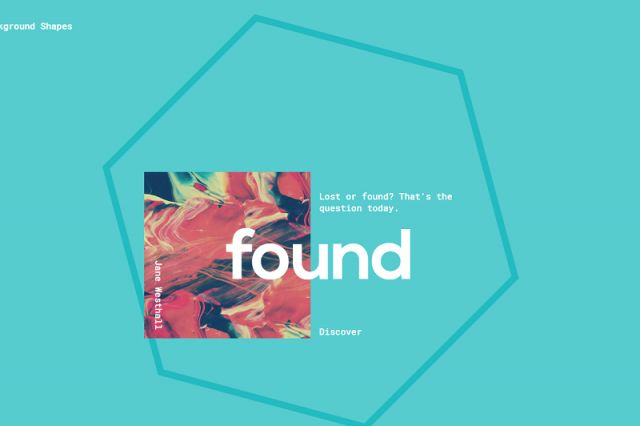

Timedropper a jQuery UI timepicker
Timedropper is an eye catching jQuery UI timepicker. Manage time input fields in a standard form. Focus on the input to open an small interactive timepicker. Set time in 12-hour clock in which the 24 hours of the day are divided into two periods. Change time using mousewheel.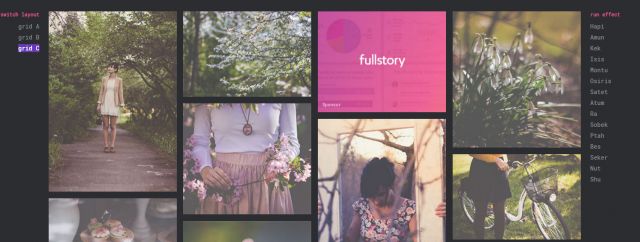
Grid Loading Animations
A set of grid loading animations for your inspiration. The idea is to show grid items with an interesting effect once they are loaded.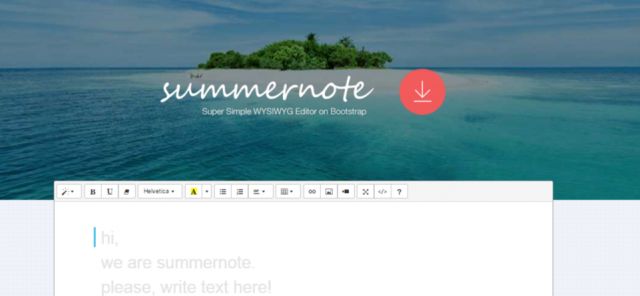
Summernote: Super simple WYSIWYG Editor
Summernote has a few special features: Paste images from clipboard Saves images directly in the content of the field using base64 encoding, so you don't need to implement image handling at all Simple UI Interactive WYSIWYG editing Handy integration with server
Colorify.js
Colorify is a script written in Javascript, that allows you to extract colors from images, and manipulates them. From a simple plain color, based on the dominant color, to a beautiful gradient based on the image edges colors, colorify.js will spice up your designs! - Extract the dominant color from an image - Generate gradients based on the images colors - Isolate colors and manipulates them everywhere in the page - Create a Lazy-revealer system for your images - Load image dynamically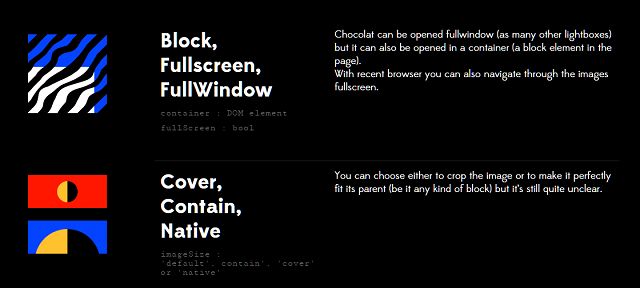
jQuery Responsive Lightbox Plugin: Chocolat.js
Chocolat.js enables you to display one or several images staying on the same page. The choice is left to the user to group together a series of pictures as a link, or let them appear as thumbnails. The viewer may appears full-page or in a block.
"Roboto: Google’s signature family of fonts" is now free
oogle’s signature family of fonts, the default font on Android and ChromeOS, and the recommended font for Google’s visual language, Material Design. It also contains the toolchain used in creating Roboto. The font family supports all Latin, Cyrillic, and Greek characters in Unicode 7.0, as well as the currency symbol for the Georgian lari, to be published in Unicode 8.0. The fonts are currently available in eighteen different styles. "A subset of an earlier version of Roboto":https://www.google.com/fonts/specimen/Roboto is available from Google Fonts, and can be used as a web font.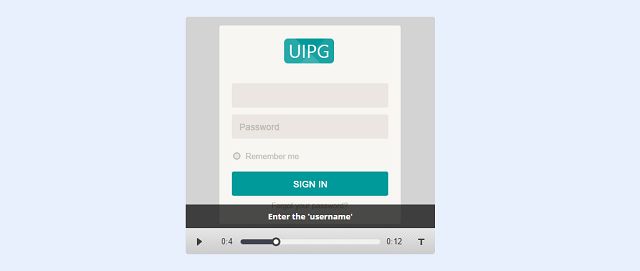
Jquery Image Player
Businessess need to develop a video to explain the flow of applications like online internet banking, 3D visuals of car interiors, etc. However, this makes the overall file size very heavy. In such cases, users can use this "Jquery Image Player". Though giving a feeling of a video player, this is an image based player with a look and feel of video player.
Restive.JS: Make your site responsive and adaptive
Restive.JS is a JQuery Plugin that helps you quickly and easily add features to your Web Site to enable it respond and adapt to virtually every Web-enabled Device. Using a combination of Device Detection, Advanced Breakpoints Management, and Orientation Management, Restive.JS will give your Web site an uncanny ability to stay robust in the face of a constantly changing device landscape.
Space.js : HTML-Driven Narrative 3D-Scrolling
Space.js is a Javascript library which is based on parallax technologies used for narration. The library is HTML-driven, which means that you don’t need to write a single line of JavaScript to use it on your site and still have a lot of flexibility. The core of the library is to divide our HTML into frames, or space-frames as we call them her (to not conflict the common class name “frame”).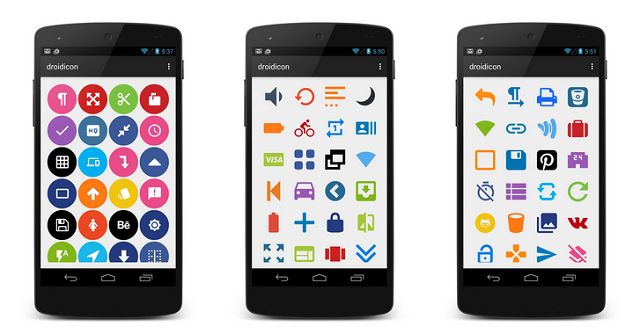
droidicon - Over 1600 icons for Android
droidicon provides over 1600 customizable icons, 25 ready-made social badges and more! droidicon makes it super easy to add icons and badges to your app. All of the social badges are already styled. Just add them to your app! Or you can customize the icons however you want.
Google Material Design theme for Bootstrap 3
This Bootstrap theme is an easy way to use the new Material Design guidelines by Google in your Bootstrap 3 based application. Just include the theme, after the Bootstrap CSS and include the javascript at the end of your document (Just before the end of the body tag), and everything will be converted to Material Design (paper) style.
jQuery Face Detection Works on Images & Videos
jQuery Face Detection Plugin detects faces on images, videos and canvases to get theirs coordinates. It tracks a face and outputs the coordinate positions of the face model as an array. We believe that face recognition will open up a ton of possibilities in how we interact not just with each other.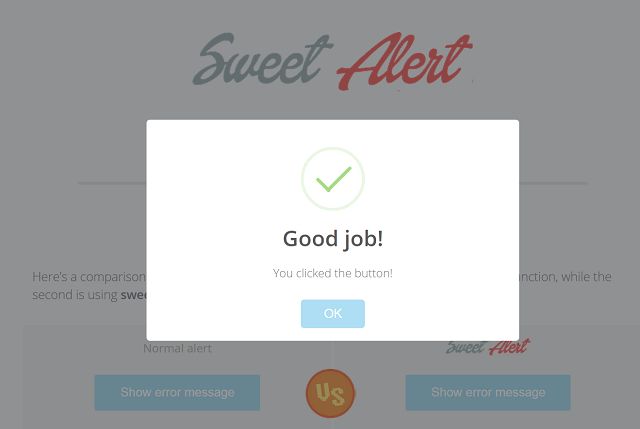
Sweet Alert
Sweet Alert is a beautiful replacement for JavaScript Alert and confirm with animated icons and and window. SweetAlert is highly customizeable and responsive.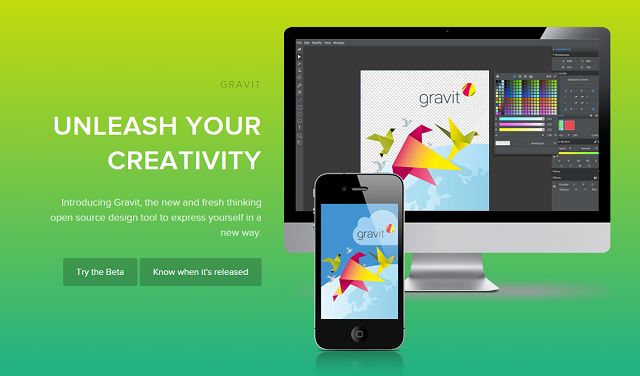
Open Source Design Tool to Express Yourself - Gravit
Meet Gravit – the cutting-edge design app that will take your creativity to new heights. Gravit offers the creative possibilities of a full-scale design suite - but in a snug app-sized package. Powerful yet easy-to-handle, Gravit has been custom designed from the ground up with an emphasis on versatility, fluidity and elegance – complex design tasks are made simple through its robust suite of tools and highly responsive smart work environment.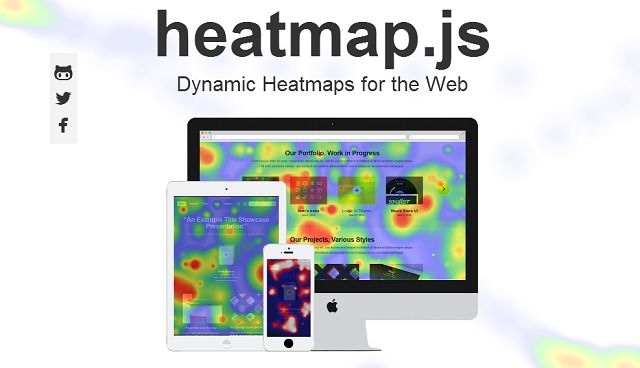
Dynamic Heatmaps for the Web - heatmap.js
heatmap.js v2.0 is the most advanced heatmap visualization library on the web. It has a light footprint (~3kB gzip) and with the new 2.0 release heatmap.js just got faster, with a new rendering module stronger, to handle even more datapoints (40k+) easier to use so you can get up to speed quickly easier to extend for custom functionality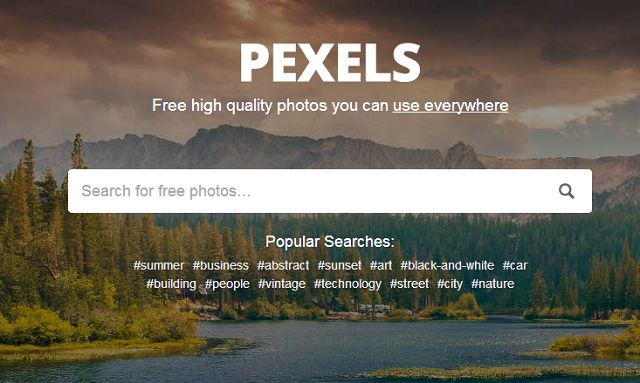
Pexels: Free High Quality Photos under the Creative Commons Zero
All photos on Pexels are under the Creative Commons Zero (CC0) license. This means you can copy, modify, distribute and perform the photos. The pictures are free for personal and even for commercial use. All without asking for permission or setting a link to the source. So attribution is not required. All in all the photos are completely free to be used for any legal purpose.